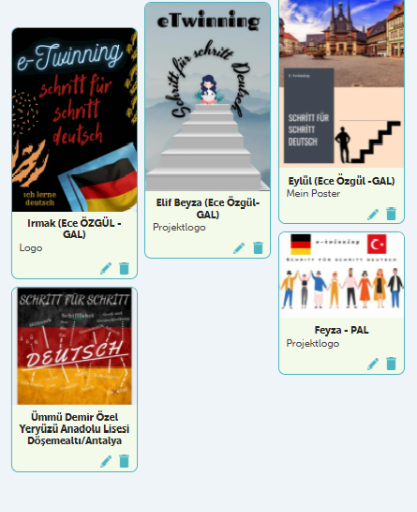
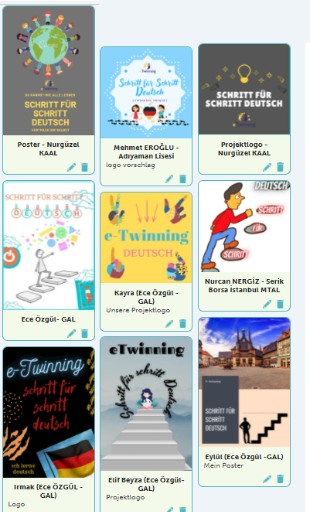
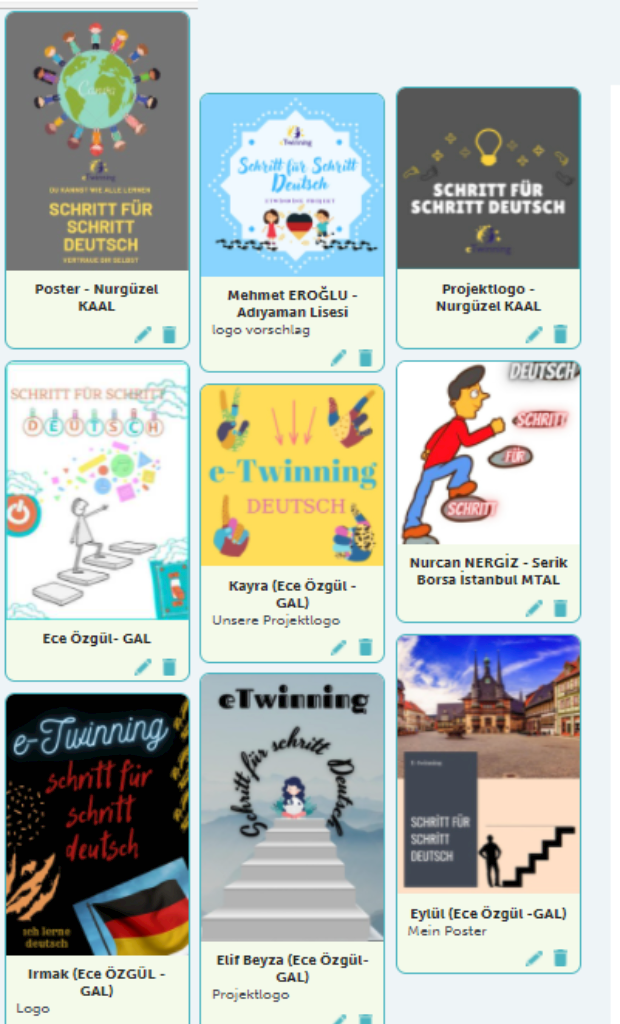
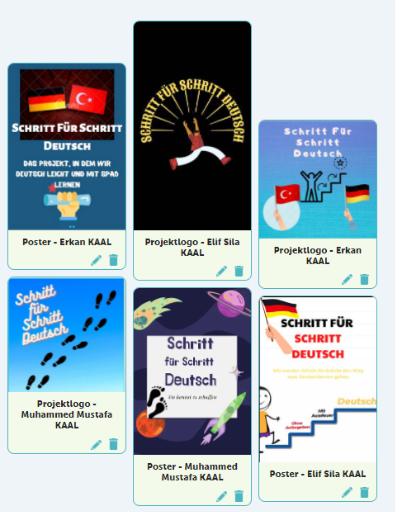
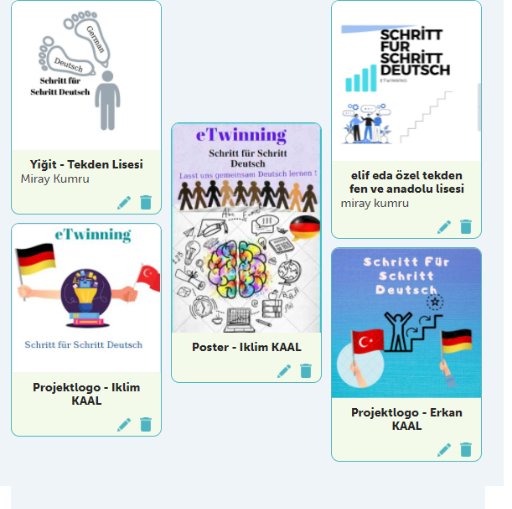
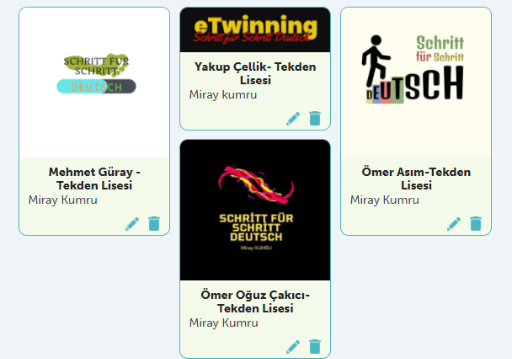
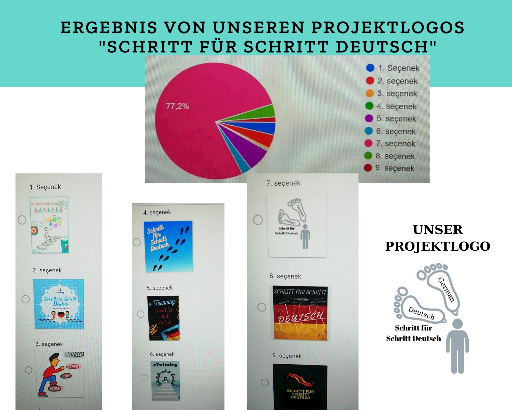
Das Buch beinhaltet die monatlichen Arbeiten. wir haben kennengelernt und unsere Projektlogos gemacht und gewählt.

Created & published on StoryJumper™ ©2026 StoryJumper, Inc.
All rights reserved. Sources: storyjumper.com/attribution
Preview audio:
storyj.mp/afcjqnzrg2xs
eTwinning Projekt "Schritt für Schritt Deutsch"

2
Now it's your turn to try!
1. On the far left side, click a text box and type "We were on the beach".
2. On the far left side, click Props and click on a dog.
3. Click Design Characters button.
Design a person. Click it to add it.
4. Click Photos. Type "beach" into the search box.
Click on a photo. Make it a Scene and add it.
5. Click Voice. Record your voice reading your words.
6. At the top right, click Save & Exit.
3

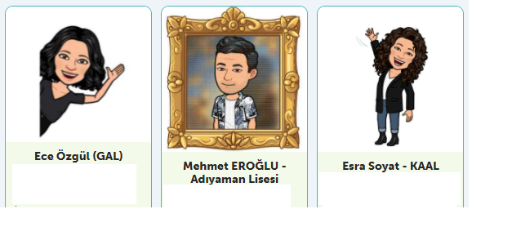
Die Projektpartner/innen
4
Die Projektpartner/innen
Burcu Alparslan
Burcu Alparslan
5
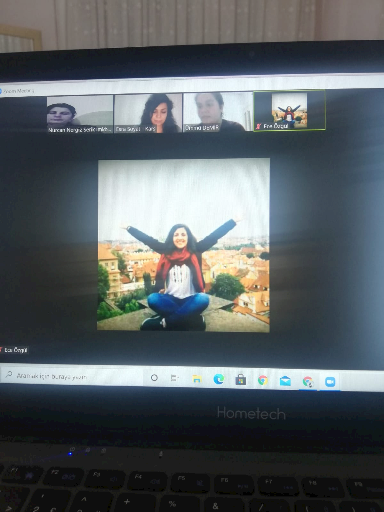
Unsere Erste Webinar
6
Unsere Projektslogos
7
8
9
10
11
12
13
READ
storyjumper.com
- < BEGINNING
- END >
Encourage this author
-
LIKE
-
COMMENT