Dedicated to all my classmates, with whom I have shared this journey; especially Ana and Cintia, with whom I have created the collaborative activities. And also to Francisco, our ICT teacher, for all his work, enthusiasm and support.
We did it!!!

Once upon a time, a primary teacher who was studying a Master in Bilingual Education. One of her subjects was the use of ICT in the classroom.
Hello teacher Francisco; I'm María

I am Francisco, your ICT teacher. Welcome!
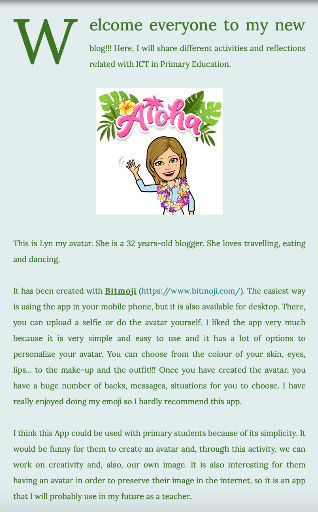
In our first class, we talked about how important ICTs are in Primary School, in order to engage our students. After that, we had our two first assignments: create a blog (a learning diary) and create our own emoji. For so, I used blogger for my learning diary, and Bitmoji for cartoonizing myself. Then, I wrote an entry in my new blog, presenting my bitmoji: Lyn (who accompanied every blog's post)

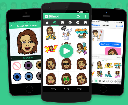
I already knew blogger, I have used it before, but I did not know Bitmoji, and from the moment I created Lyn I have been using bitmojis for everything... My blog's entries, whatsapp, twitter... everywhere!!! It was an awesome discovering for me!
I felt very happy with the result of this activity and Lyn (my emoji) has been with me in all the activities and blog's entries.
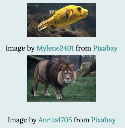
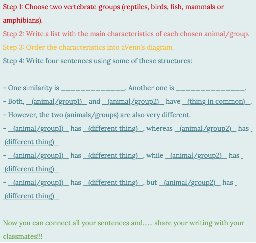
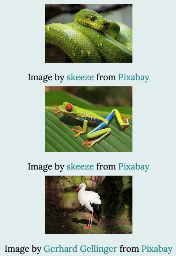
After that, we learned about the importance of the licenses, and the respect for authorship. So, we had to create our blog's license (using common license) and embedding it in our blog. We also had to create a CLIL Activity for Primary students using free license pictures, and attributing them to the author. As a result, I discovered sites like Pixabay and I have risen awareness of the importance of using proper free-license pictures in my pieces of work.

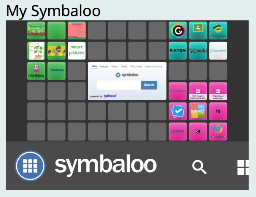
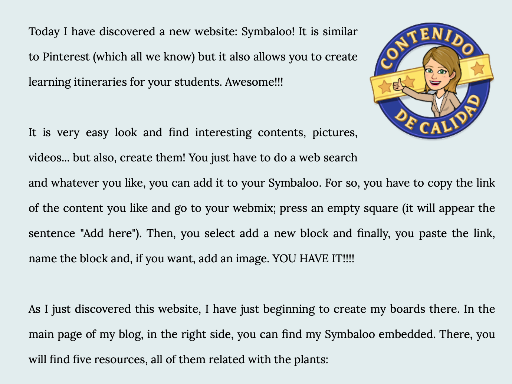
Next week we did another two activities. The first one was about Content Curation. There we had to do some research in websites, such as, Pinterest or Symbaloo; select interesting resources; and aggregated them creating our own webmix (board). I decided to use Symbaloo, as I already knew Pinterest. Then I embedded my webmix in my blog.
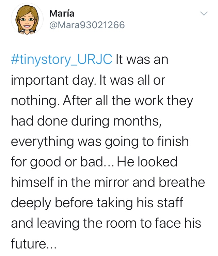
The second activity was to "sign in" in twitter. The aim of this activity was to bear in mind that, if we do not share what we do, it does not exist. Twitter could be a terrific tool to stay in touch with colleagues, and to share educational ideas and projects. I love learning from other teachers!!! In our firs tweet we had to write a tiny story... this was what I wrote...
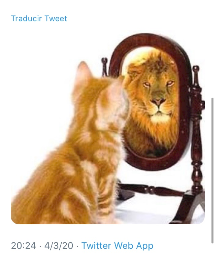

It was the middle of March...and the better started! After learning about licenses; how to find proper images, and how to attribute them; having got used to the blog; having research some resources' websites; having raised awareness of sharing our work; and having learned how to embed things in the blog... The truly creative assignments were about to start... HURRAH!

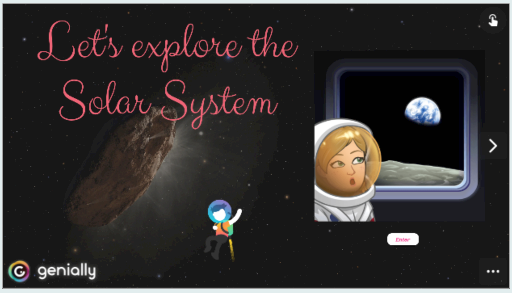
The first super-awesome activity was about Genially. A lovely and essential tool for teachers. It is a world of opportunities. You can create almost everything: presentations, gamifications, infographics... WHATEVER!!! And the best part is that you can add interactive buttons in which include more information using texts, links, embedding videos... When I started it was time-consuming but... I felt in love with this tool.

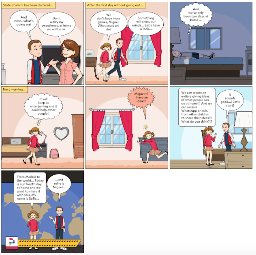
Secondly, we had to design a comic in order to represent emotions. I decided to do it with Pixton (a tool I had never used before) and it was very easy-to use, and very intuitive. My story was about the lockdown due to Coronavirus.
It was inspiring and funny discovering this tool, but it is not my favourite one.
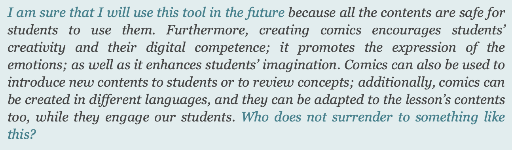
Then, we were asked to made a mindmap using an app or web tool. I used two of the recommended tools: Coggle and SpiderScribe. Then I embedded both mindmaps in my post, and I compared both tools. The tools are very complete and mindmaps are very useful for scaffolding students, so I will use it in the future.
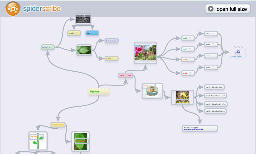
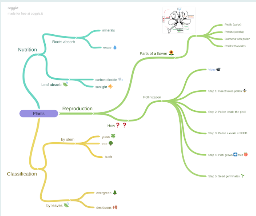

I loved you can add links, words, pictures, videos...
After that, another awesome assignment was waiting... DESIGNING AN INFOGRAPHIC!! This was, I think, my second favourite activity (after genially). I used Piktochart, simple, easy-to-use, free... it is PERFECT! I did it about Christopher Columbus, and I am very proud of it. It was time-consuming, but it usually happens if you want to do an outstanding work.
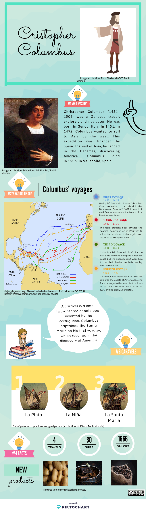
WOW!!! And it has a collaborative option! Fantastic!!

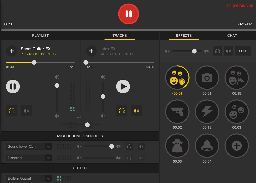
So, I download Spreaker, I got used to it trying every single option, I looked for and downloaded free-use sounds and music, I added everything to the "mix-table" and when I felt ready, I started recording myself.
After all, it was a nice and funny
activity and I strongly believe I will
use podcasting for both, work
and pleasure.
The sixth module was finished... It was time to face one of the most scary activities, at least for me... A PODCAST!

After succeeding with my first podcast, we research some useful tools for flipped classroom. We had to work collaboratively to create a videoclip (we could use in the classroom) to explain, present or review contents. The first step was to create the storyboard. Ana, Cintia and me chose to design it using StoryboardThat. It is intuitive and simple once you get some practice. Something I loved is that, you can upload your own pictures to use them, for example, as backgrounds; and also that is a collaborative tool.
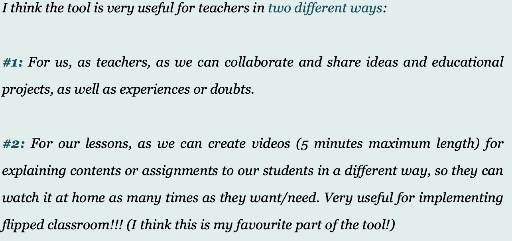
For teachers it is interesting as we can create
classrooms with our students, and provide them
templates, or include assignments.
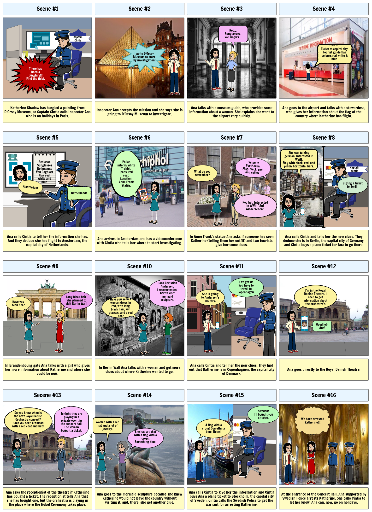
This was the result of our super-hard work!!!
Using the storyboard and our super-powers (having into consideration that we were still confined) we were able to record the video using our imagination, skype, snap lens, a virtual green background, Quicktime player to record the screen, chroma effects (to set the real backgrounds) and iMovie (for the production of the video). And, as it could not be otherwise, we got it!
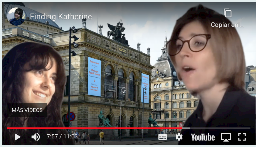
For finishing the "Flip it" module, we
were asked to record a video
telling a own experience. I had no
ideas, I did not like this assignment
too much, but finally I shared my first walk after fifty days at home due to Covid-19. We had to upload it into flipgrid #twima8 (The world is my audience -8) answering the topic "Everyone has a story". It was vvvvvvvvvvvvvvvvvv not as bad as I vvvvvvvvvvvvvvvvv thought but, for sure, vvvvvv this activity is not in vvvvvvvvvvv my TOP 5.
TOP 5 Activities:
1.Genially presentation.
2.Podcast.
3.Videoclip for educational purposes.
4.Ifographic
5.Comic

Do not you think this has been amazing? I do so! But, unfortunately, everything has got an end, and this is the last assignment I have... a journey through my own super-learning during this awesome subject.
4 things I have learned:
1.How to embed things in my blog.
2.How to use a chroma effect.
3.A huge range of web tools and apps.
4.How to prepare, record and use a podcast
3 tools I will use in classroom:
1.Genially
2.Piktochart
3.Spreaker Studio
1 piece of advice:
Reducing the time given for the first four modules, in order to have more time for the modules 5,6, and 7, as their activities are more complex and need more time to do them properly.
2 things I have risen awareness of:
1.The importance of peer teaching and learning and the teacher's support.
2.How useful and engaging the ICT tools are.

- < BEGINNING
- END >
-
LIKE
-
COMMENT