

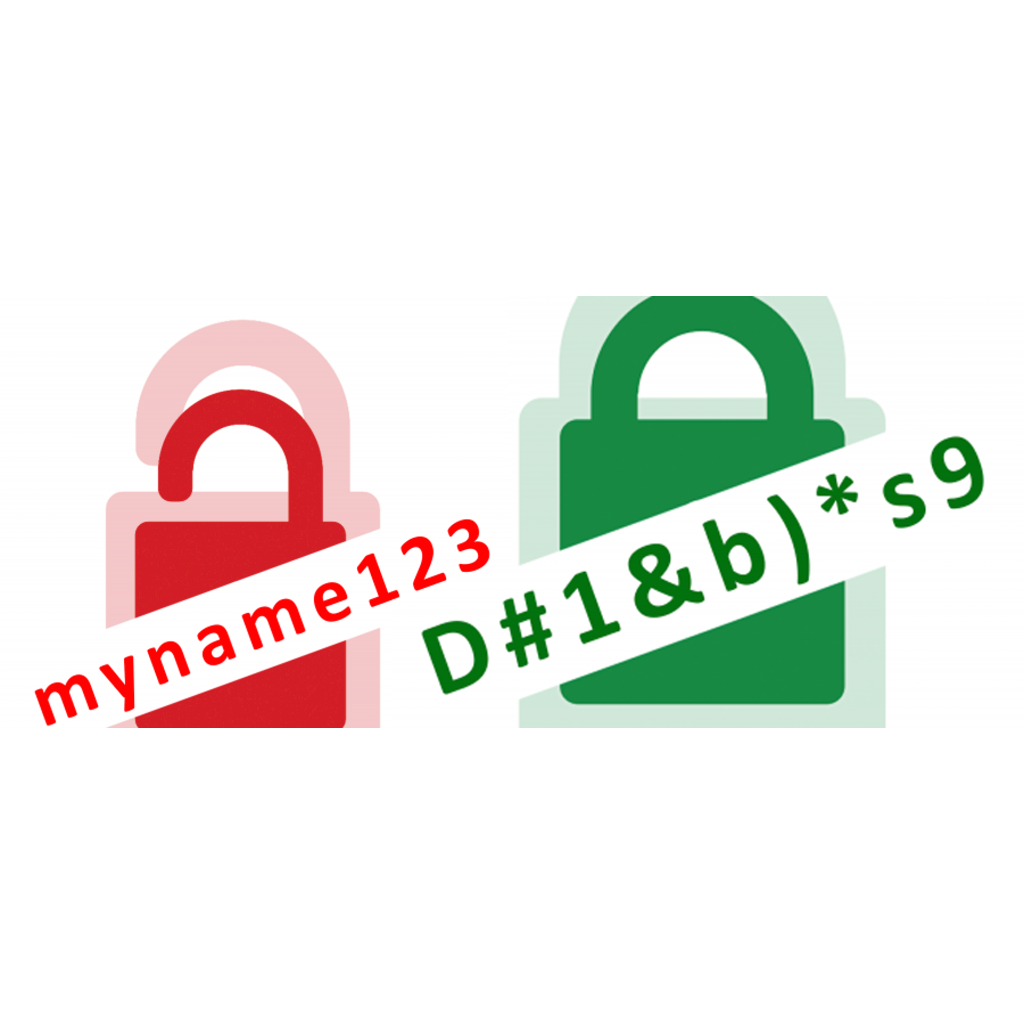
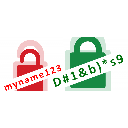
Not Safe Safe


Don't trust fake news. It is very dangerous. Some can have virus.
Don't download it.
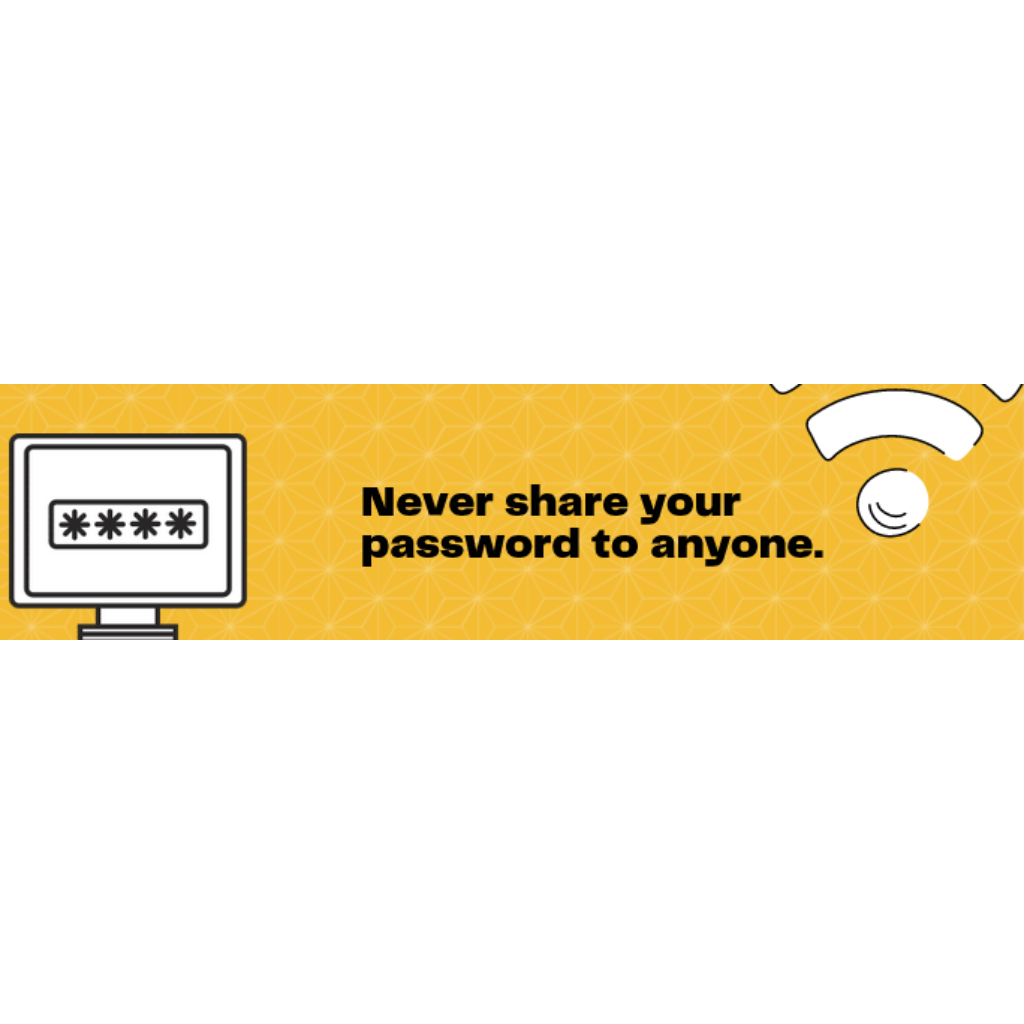
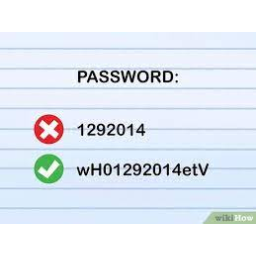
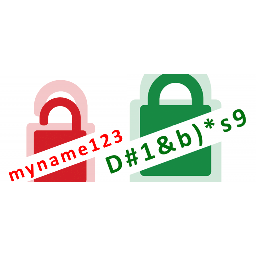
Use strong passwords
Enable two-factor authentication
Update your system and software regularly.
Be cautious and skeptical.
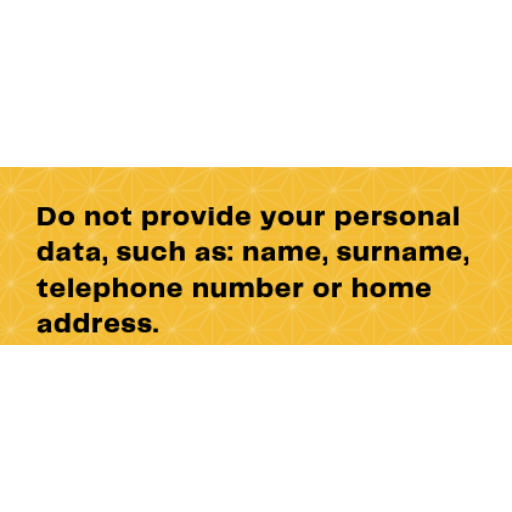
Protect your personal data.
Browse only safe sites.
Only use safe Wi-Fi networks or VPNs.
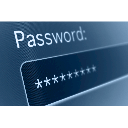
One of the most important tips for staying safe online is to use strong, unique passwords. This makes it much more difficult for third parties to decipher them and thus gain unauthorized access to your account.
złe; 1234
poprawne; biedronka@765#lap.
-Remember to have active antivirus
-When you are aboard remember to use VPN
-Remember not to give your personal data
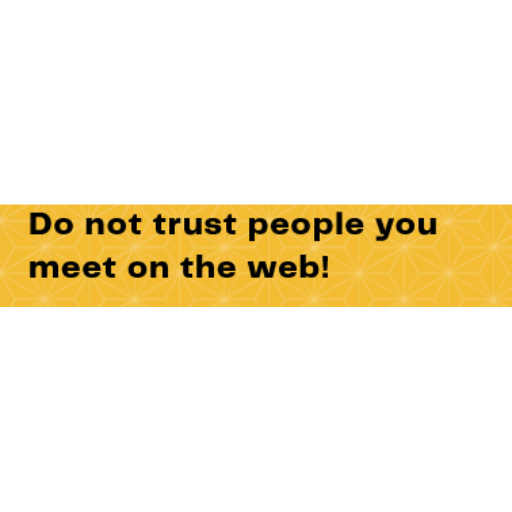
-Remember not to text with strangers


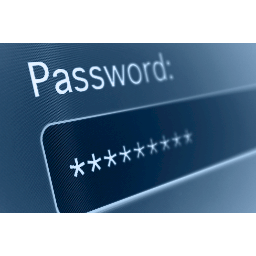

Use a different password for every website and online account. If one of your account passwords ever gets compromised, your other accounts will remain secure.
Use 2FA

Be Careful What You Post. The Internet does not have a delete key, as that young candidate in New Hampshire found out. Any comment or image you post online forever because removing the original does not remove any copies that other people made.


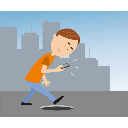

9 rules for safe use of Internet
8.Increase privacy settings on your social media accounts
9.Update your operating system and programs



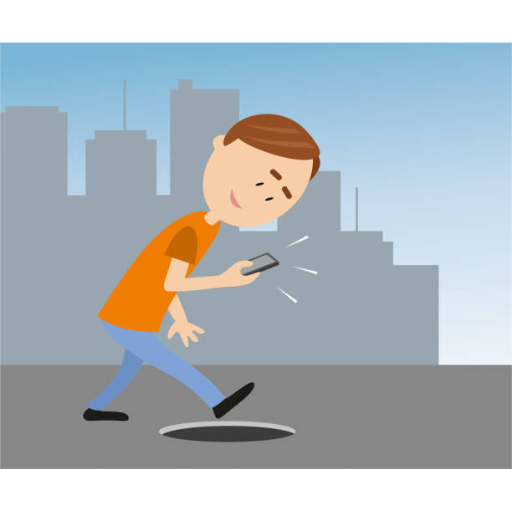
1. You must use hard password.
2. Turn on antivirus.
3. Do not save password in yhe browser.
4. Browse safe sites
5. Use safe networks wi-fi or Vpn
6. update optragramming



2. Enable two-factor authentication
3. Update your system and software regularly.
4. Be cautious and skeptical.
5. Protect your personal data.
6. Browse only safe sites.
7. Only use safe Wi-Fi networks or VPNs.

English Michał


1.Korzystaj z silnych haseł
2. Włącz dwuskładnikową autoryzację
3. Regularnie aktualizuj system i oprogramowanie.
4. Bądź ostrożny i sceptyczny.
5. Chroń swoje dane osobowe.
6. Przeglądaj tylko bezpieczne strony.
7.Korzystaj tylko z bezpiecznych sieci Wi-Fi lub VPN-a.

Polish Michał
do not provide anyone with your PESEL number, login details or personal information. Even if you trust a given person, do not provide such data over the Internet. Both email and social media accounts can be taken over by fraudsters. If you think you're protecting yourself properly when using the internet, you're never sure how other people are doing it.

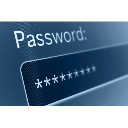
2. Be careful who you text
We never know whether the person on the other side is who he or she claims to be, so we will never provide such a person with any information.
It's bed ide to send pictures to stranges.
Never write your home address.
Downloanding things can be dangerous.
You should tell an adult if you receive a mean or strange message.
źródła/ sources:
- www.safekids.com/kids-rules-for-online-safety
- www.mcgruffkits.com/2014/08/03/10-internet-safety-tips-for-kids/
- kidshealth.org/en/parents/net-safety.html
- plymouthda.com/resources/cyber-safety-tips-children/
-edu.gcfglobal.org/en/internetsafetyforkids/teaching-kids-about-internet-safety/1/
- < BEGINNING
- END >
-
DOWNLOAD
-
LIKE
-
COMMENT()
-
SHARE
-
BUY THIS BOOK
(from $4.79+) -
BUY THIS BOOK
(from $4.79+) - DOWNLOAD
- LIKE
- COMMENT ()
- SHARE
- REMIX
- Report
-
BUY
-
LIKE
-
COMMENT()
-
SHARE
- Excessive Violence
- Harassment
- Offensive Pictures
- Spelling & Grammar Errors
- Unfinished
- Other Problem





COMMENTS
Click 'X' to report any negative comments. Thanks!