
.
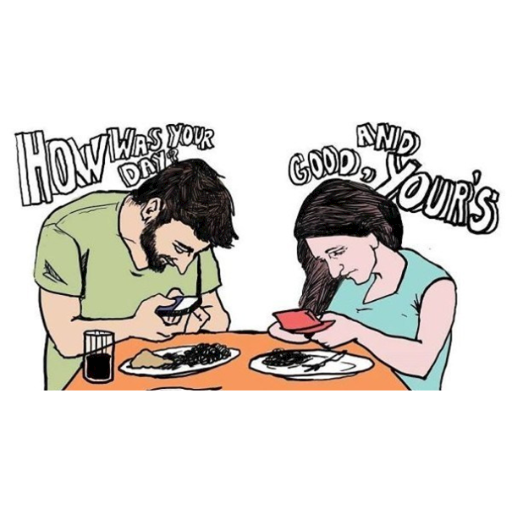
Internet Safety
Internet safety or "e safety" has become a fundamental topic in our digital world and includes one’s Internet privacy and a healthy interaction with the use of the Internet.
Students explore how the Internet offers an amazing way to collaborate with others worldwide, so it is important to follow some strategies in order to distinguish inappropriate contact and positive connections. These strategies and learning more about the Internet safety help us learn how to be safe on the Internet.
.
Being Smart Online
First rule: Check your mood! Are you feeling upset or angry? Then it's not the time to be messaging or posting on a social media site. People don't always make good decisions or think straight when they're stressed out or upset. If you have to, call someone or go for a run instead before you start online.
Second rule: When you're on a website, try to remain as anonymous as possible. That means keeping all private information private. Private information that you should never allow the public to see includes:
.
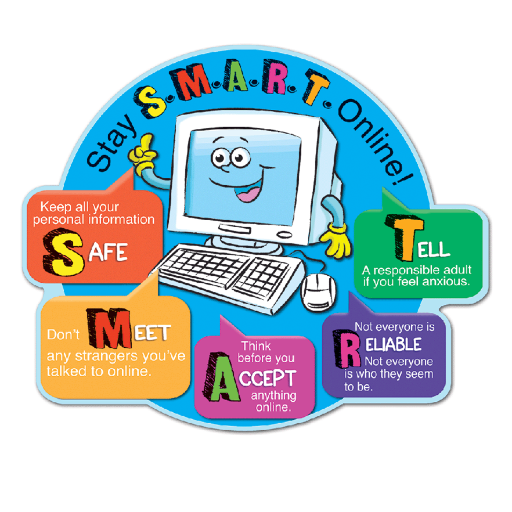
Most trustworthy people and companies won't ask for this type of information online. So if others do, it's a red flag that they may be up to no good. Always check with a parent if you are unsure, especially when shopping online or signing up for a website or app.
Think carefully before you create an email address or screen name. Use a combination of letters and numbers in both that don't identify whether you're male or female.
When messaging or using video apps, use a nickname that's different from your screen name. That way, if you ever find yourself in a conversation that makes you uncomfortable, you can exit without having to worry that someone knows your screen name and can track you down via email. Some people who hang out with their friends online set up private groups where only they and the people they invite can interact.
.

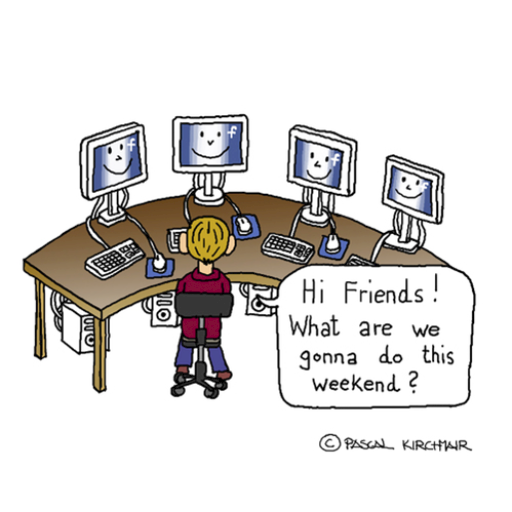
Keep online friendships in the virtual world. Meeting online friends face to face carries more risks than other types of friendships, because it's so easy for people to pretend to be something they're not when you can't see them or talk in person.
It's safer to video message with someone first, but even that can carry some risks. Check with a parent that this is a safe thing for you to do. They may want to meet some of your contacts or sit in on a conversation before they allow you to do this by yourself.
.
If you ever get involved in any messaging or online chats that make you feel uncomfortable or in danger for any reason, exit and tell a parent or other adult right away so they can report it. They'll make sure the info is forwarded to law enforcement officials for investigation.
.
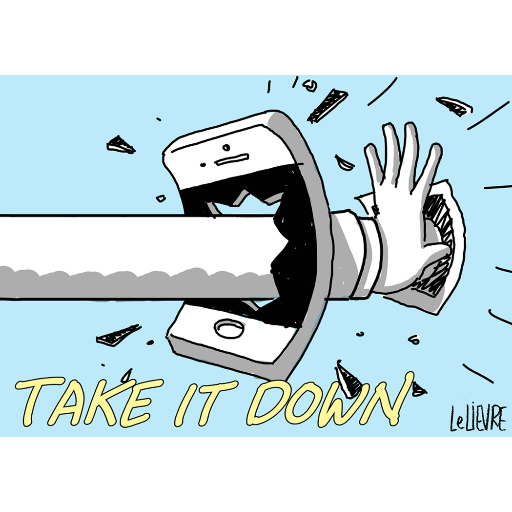
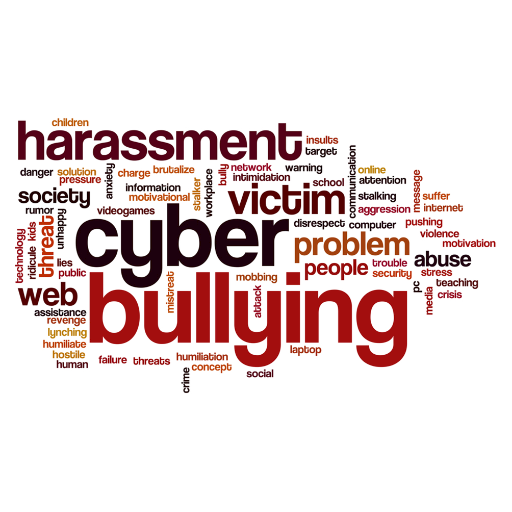
What Is Cyberbullying?
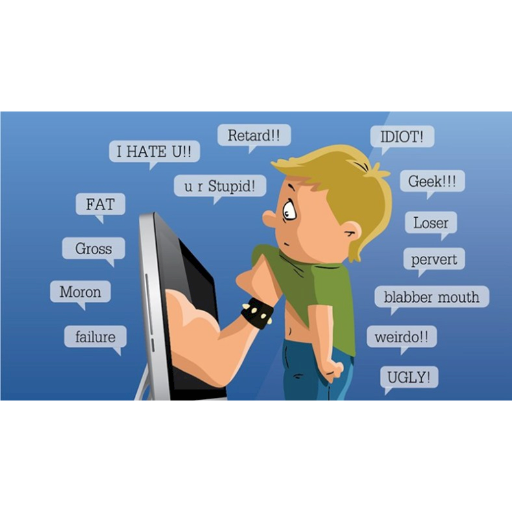
It's not just strangers who can make you feel uncomfortable. Cyberbullying refers to cruel or bullying messages sent to you online. These might be from former friends or other people you know. They can also be sent anonymously — in other words, on a website where everyone has a screen name, so teens being bullied might not even know who is bullying them.
If you get these bullying messages online, it's often better to ignore them rather than answer them. Cyberbullies, just like other bullies, might be looking for attention or a reaction. Plus, you never want to provoke bullies. By ignoring them, you can take away their power. You also can try to delete or block bullies, so you no longer see their texts.
.
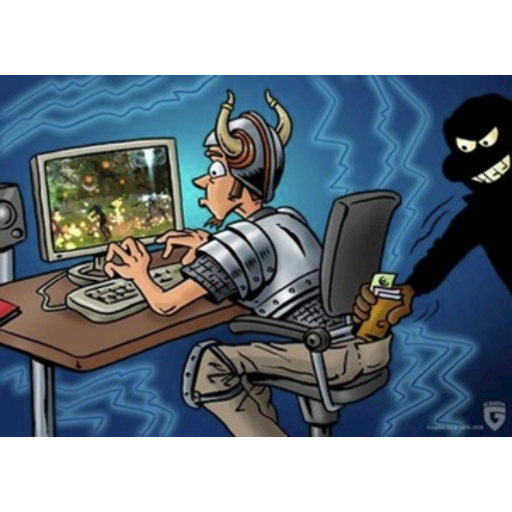
Playing Games
Lots of people enjoy playing games, and there are different games for everyone.
But there are lots of things that might stop your game being fun. Some of these are,
5 ways to keep gaming fun:
.
Other Things to Consider
Although email is relatively private, hackers can still access it — or add you to their spam lists. Spam, like ads or harassing or offensive notes, is annoying. But spam blockers can keep your mailbox from getting clogged. Many service providers will help you block out or screen inappropriate emails if your parents agree to set up age-appropriate parental controls.
.
If you don't recognize the sender of a document or file that needs to be downloaded, delete it without opening it to avoid getting a virus on your device. Virus protection software is a must for every computer and should be updated regularly.
You also can buy software that helps rid your computer of unwanted spyware programs that report what your computer is doing. Some service providers make software available to protect you from these and other online annoyances, such as blockers for those in-your-face pop-up ads.
.

When you're out and about with your devices, keep them secure. Don't let other people use your phone unless you're with them. Don't leave your phone where someone else might pick it up, and turn your laptop or tablet off when you're not using it. Don't make it easy for other people to get a look at your personal information.
.
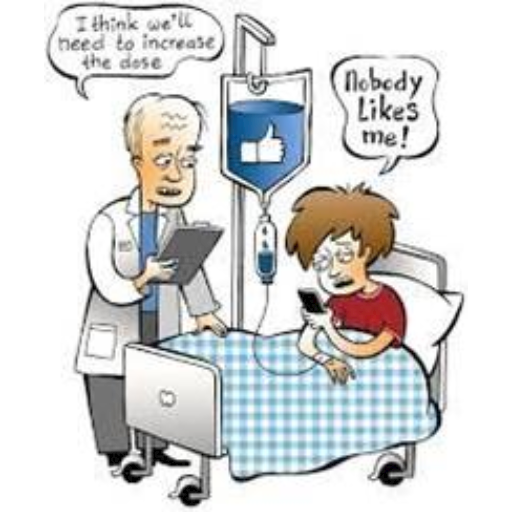
Finally, remember that any pictures or text messages that you send could be leaked as soon as you hit send. Think about whether the words you've written or you're about to share are the words that you would want other people tp read or see. Here there is a good rule: If you don’t want your grandmother to see it or read it, don’t send it or post it.
E-Twinning e-Safety
Lastly, let’s take a look at to the eTwinning e-safety since we are all e-Twinners.
eTwinning has encouraged the use of internet in a resposible manner and developed a safe environment for teachers and students to collaborate online since its start in 2005.
eTwinning internet ethics offer a reliable, collaborative and principle based community which must be respected by every eTwinning member. This is the golden rule while interacting with other members of the e Twinning. Respect others in your eTwinning journey.
.

The eTwinning platform has areas where Internet security plays a big role: eTwinning Live: Teachers can connect, share resources and plan for future project work.
eTwinning TwinSpace:
Teachers and students work together on a collabrotive project .
Both of these restricted fields and their associated tools are protected by username and password The eTwinning team guarantees at the top.
REFERENCES *https://www.commonsense.org/education/digital-citizenship/internet-safety *https://kidshealth.org/en/teens/internet-safety.html
*https://www.childline.org.uk/info-advice/bullying-abuse-safety/online-mobile-safety/online-gaming
HACI ÖMER TARMAN ANATOLIAN HIGH SCHOOL PROJECT TEAM

- < BEGINNING
- END >
-
DOWNLOAD
-
LIKE
-
COMMENT()
-
SHARE
-
BUY THIS BOOK
(from $7.79+) -
BUY THIS BOOK
(from $7.79+) - DOWNLOAD
- LIKE
- COMMENT ()
- SHARE
- Report
-
BUY
-
LIKE
-
COMMENT()
-
SHARE
- Excessive Violence
- Harassment
- Offensive Pictures
- Spelling & Grammar Errors
- Unfinished
- Other Problem






COMMENTS
Click 'X' to report any negative comments. Thanks!